Lunar Starship - SpaceX Moon Rocket
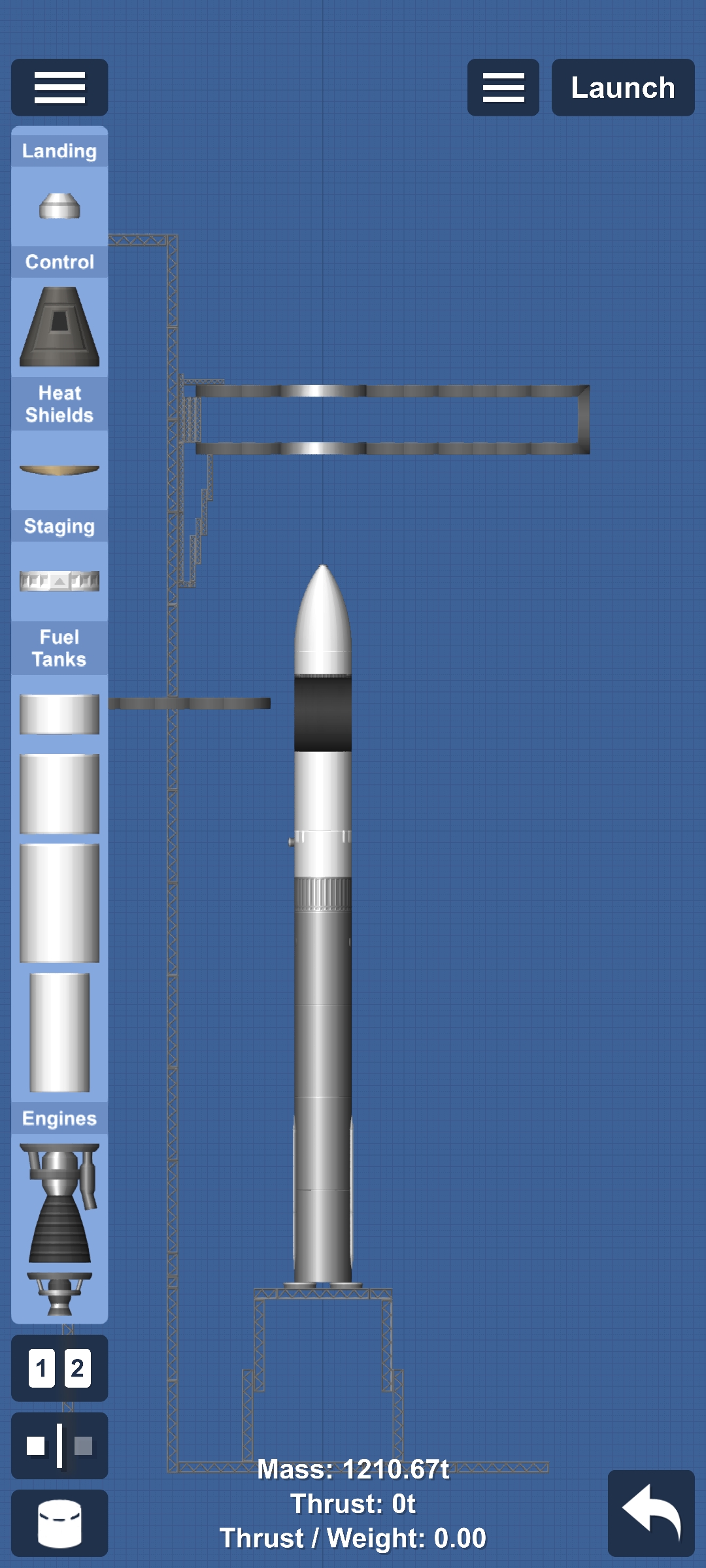
Lunar Starship with working elevator. How to fly it: Launch. Separate the booster at 24km. Get in orbit when controlling the Starship. Land your booster. Launch your other Starship ( not the lunar one) with a docking port so you can dock it with the lunar one. Undock the Starship and when controlling the lunar one, click the staging button to turn on engines and landing legs, navigate to the moon and finish the transfer window. Get in moon orbit. Launch your SLS rocket and dock the Orion to the Lunar Starship. Undock it. Land the Lunar Starship. Click staging again and control the elevator. Turn on RCS with the staging button and go to the ground. Separate the Rover. Get back to the lunar Starship and dock with the Orion again that you launched. Undock the Orion and reenter Earth's atmosp
More like this
- Artemis 2 blueprints 98 builds
Every Artemis 2 build players shared, one tap to open in SFS. - Starship blueprints 93 builds
Every Starship build players shared, one tap to open in SFS. - Moon blueprints 542 builds
Every Moon build players shared, one tap to open in SFS.
Blueprint facts
| DLC required | Yes |
|---|---|
| Difficulty | Medium |
Requirements
- Requires DLC parts.
- Requires cheats enabled.
- Cheats: Infinite Build Area, Part Clipping, Infinite Fuel, No Heat Damage.
- Difficulty: medium.
How to use this SFS blueprint
Open in SFS by tapping the share link below, or Copy link and paste it inside Spaceflight Simulator → Load → Paste link. See the guide on opening SFS blueprint links.
Related
Learn more
More Rocket blueprints
- Space shuttle
- Original rocket design by Pico Space(ピコ宇宙). By community member with attribution
- STARSHIP
- Artemis II - Replica (can lag)
- Artemis ll
- Powerful lander