The heavy missile raptor
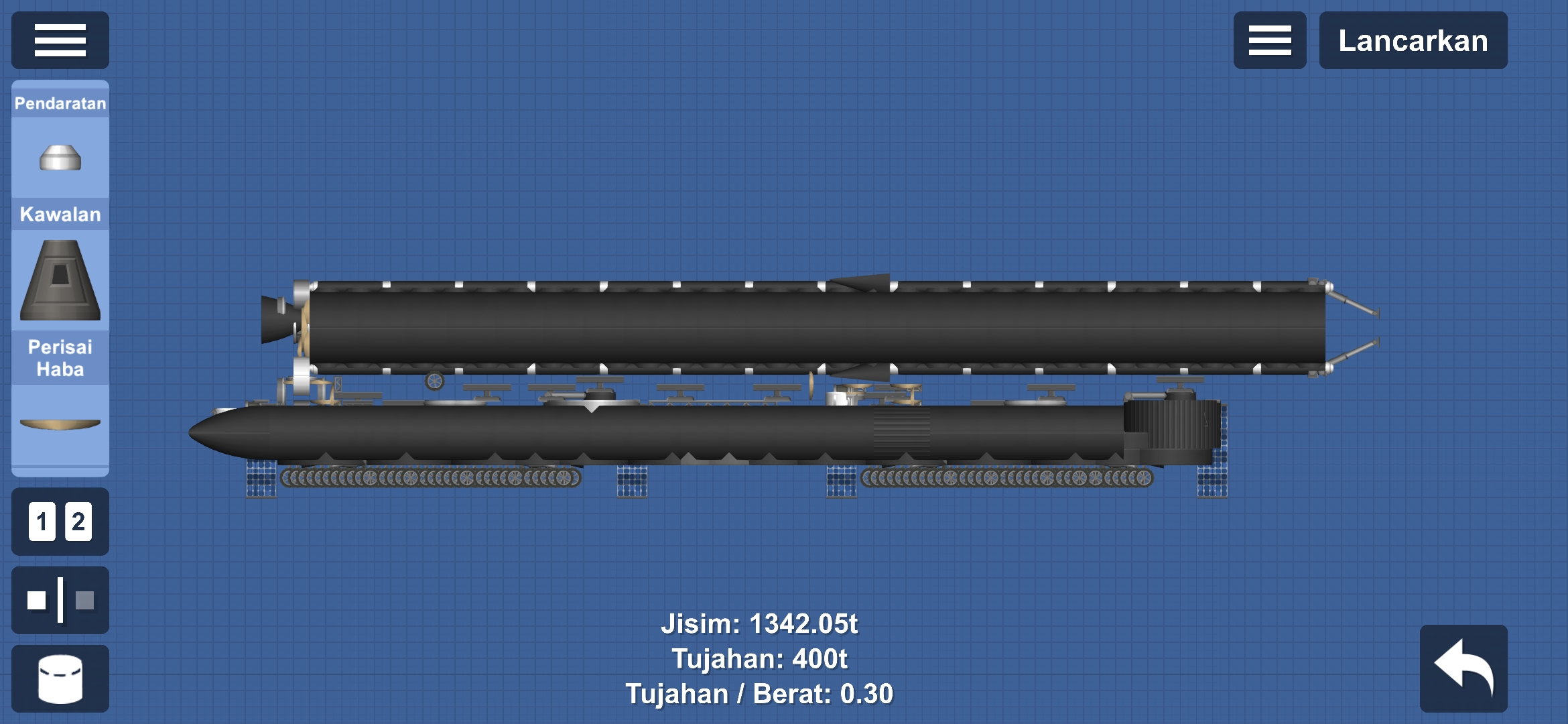
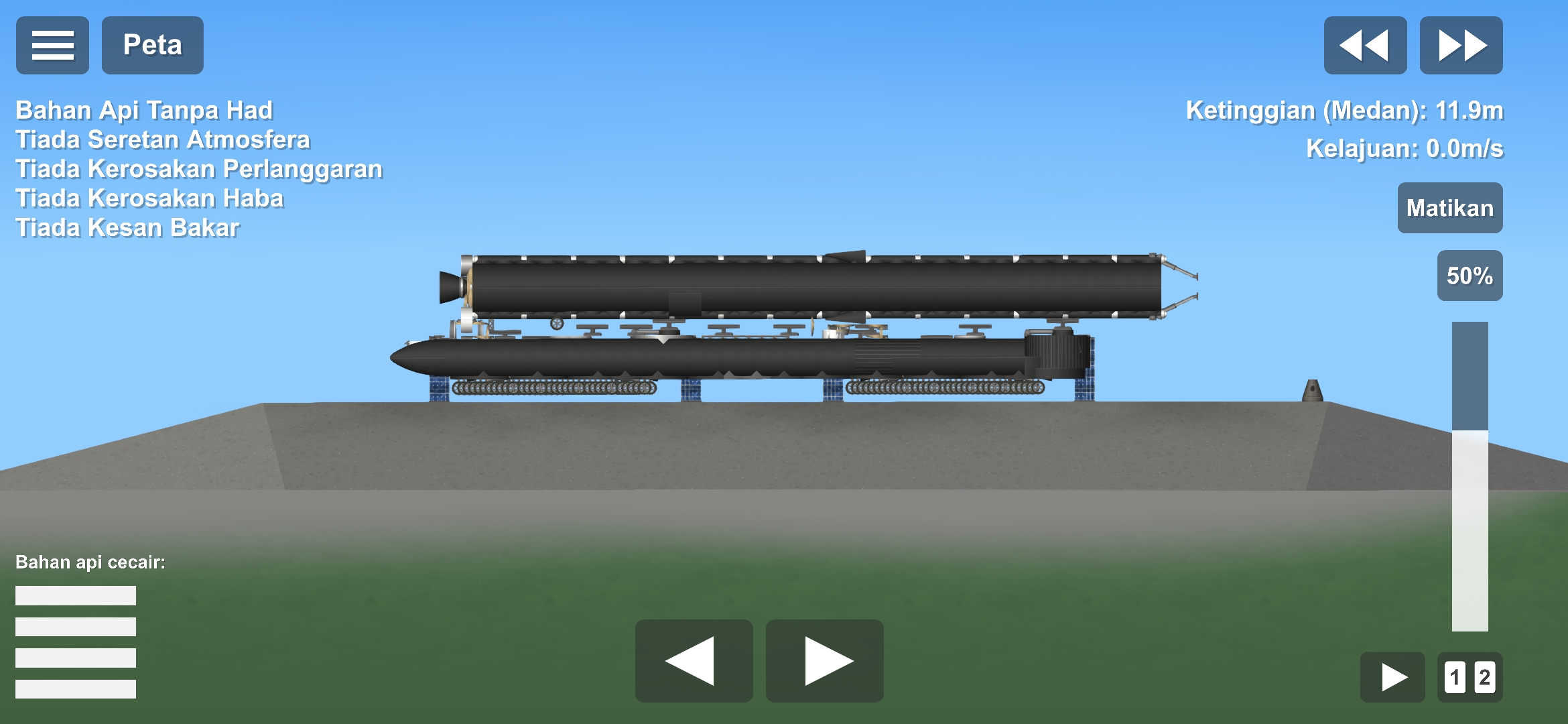
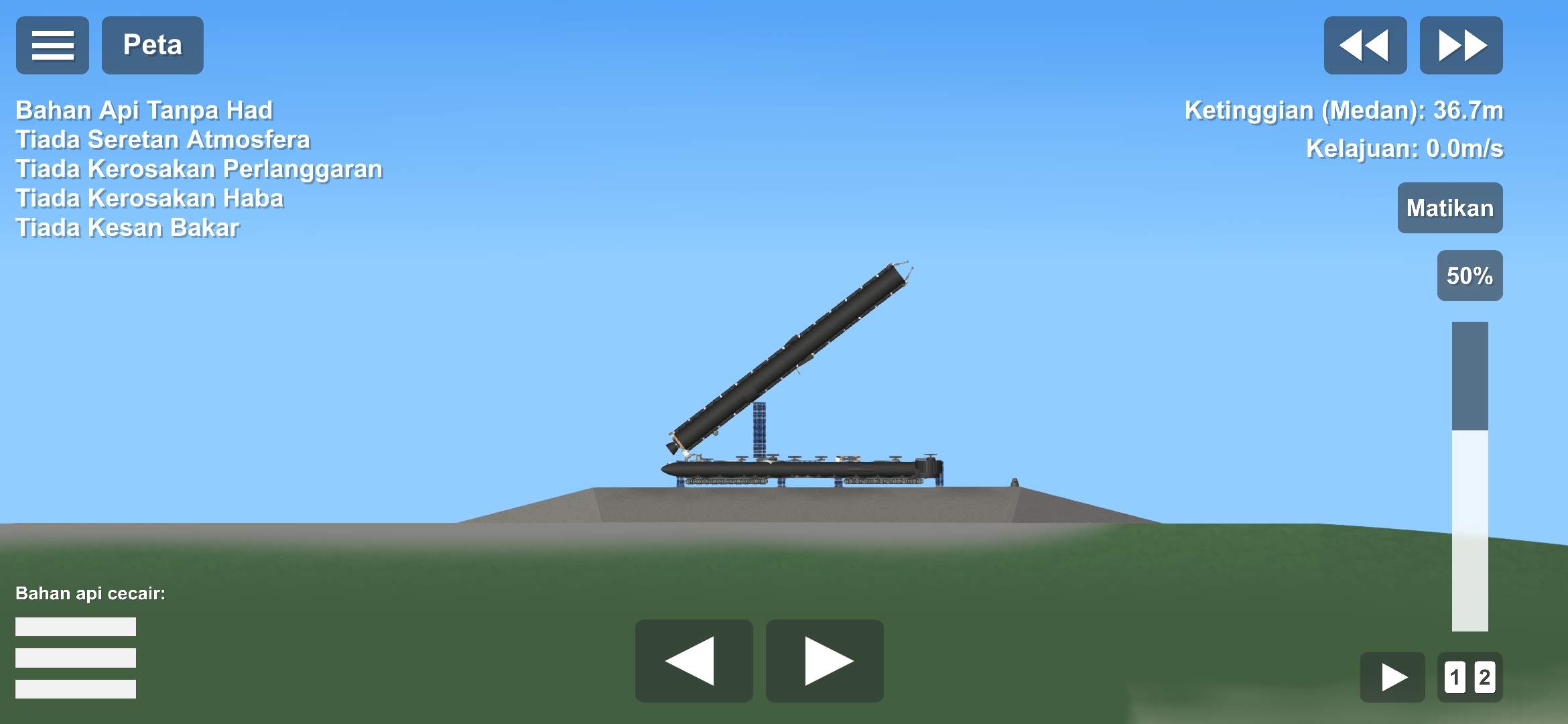
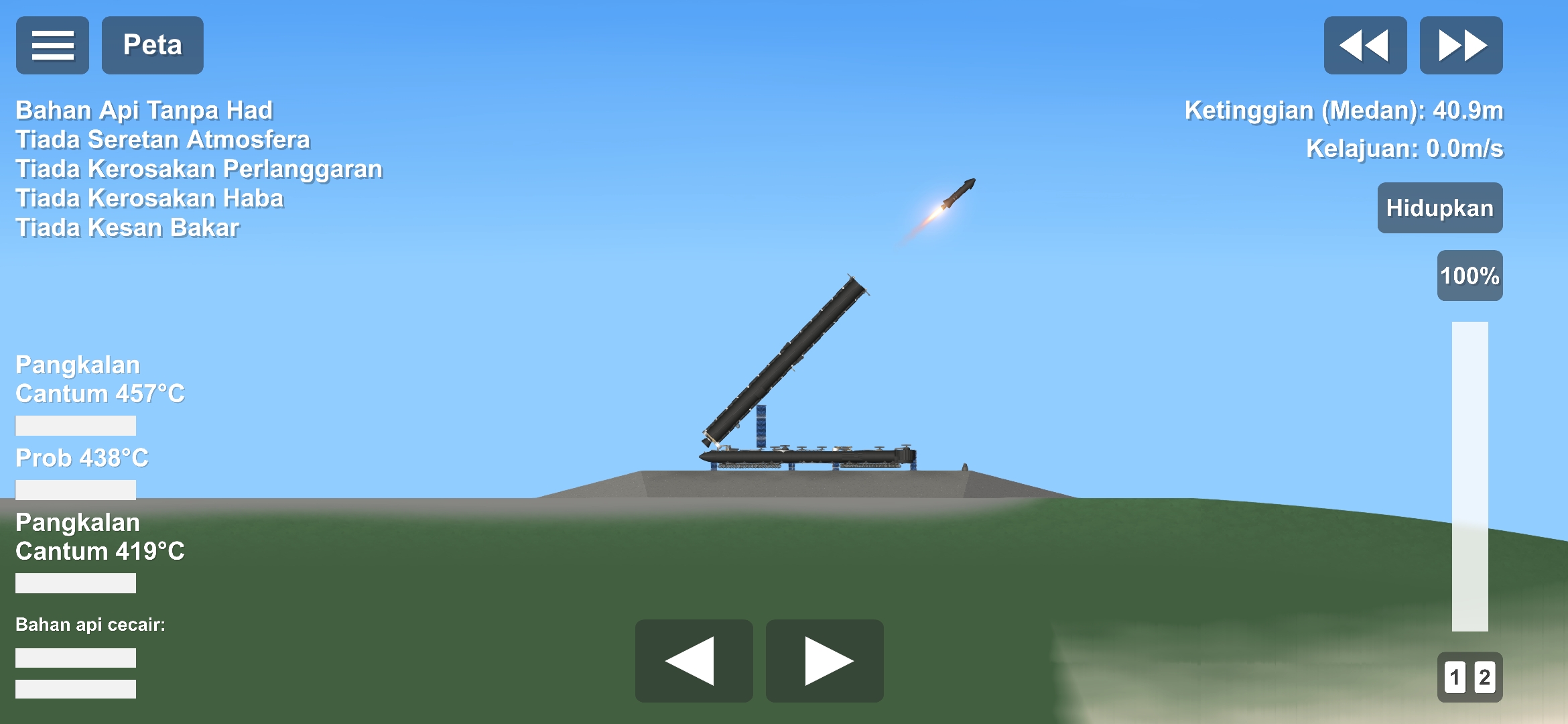
Step 1: Build the Launcher Base Construct a mobile crawler/transport vehicle using structural parts and rover wheels or tracks to allow movement. Ensure the platform is stable and flat on top to support the launcher mechanism. Step 2: Install the Erection & Launch Rail Build a long rocket/missile body or rail assembly that rests horizontally on top of the vehicle. Attach hinge or pivot points near the base/rear of the rocket so it can tilt upward smoothly. Step 3: Setup Control & Deployment Add docking ports or separator/hinge systems to control the pitching angle of the launcher. Test the elevation mechanism to make sure the rocket raises and lowers correctly without colliding with the vehicle body. Step 4: Launch Sequence Position your mobile launcher on flat ground or a launch
More like this
Rocket stats
| Mass | 1,339 t |
|---|---|
| Thrust | 400 t |
| Thrust-to-weight (TWR) | 0.30 |
| Parts | 398 |
| Stages | 6 |
| Engines firing at launch | 1 of 5 |
Computed from the blueprint file with the game's own build-screen rules (Normal difficulty): engines whose exhaust is blocked by another part do not count towards thrust.
Blueprint facts
| DLC required | Yes |
|---|---|
| Difficulty | Medium |
| Career mode | Works in career mode |
Players have opened this missile blueprint in Spaceflight Simulator 57 times.
Requirements
- Requires DLC parts.
- Requires cheats enabled.
- Cheats: Infinite Build Area, Part Clipping, No Collision Damage, No Heat Damage.
- Works in career mode.
- Difficulty: medium.
How to use this SFS blueprint
Open in SFS by tapping the share link below, or Copy link and paste it inside Spaceflight Simulator → Load → Paste link. See the guide on opening SFS blueprint links.